
Automatically send WooPayments payouts to Xero — no manual bookkeeping
Running a WooCommerce store and using WooPayments? Stop exporting CSVs and manually rebuilding payouts in Xero.
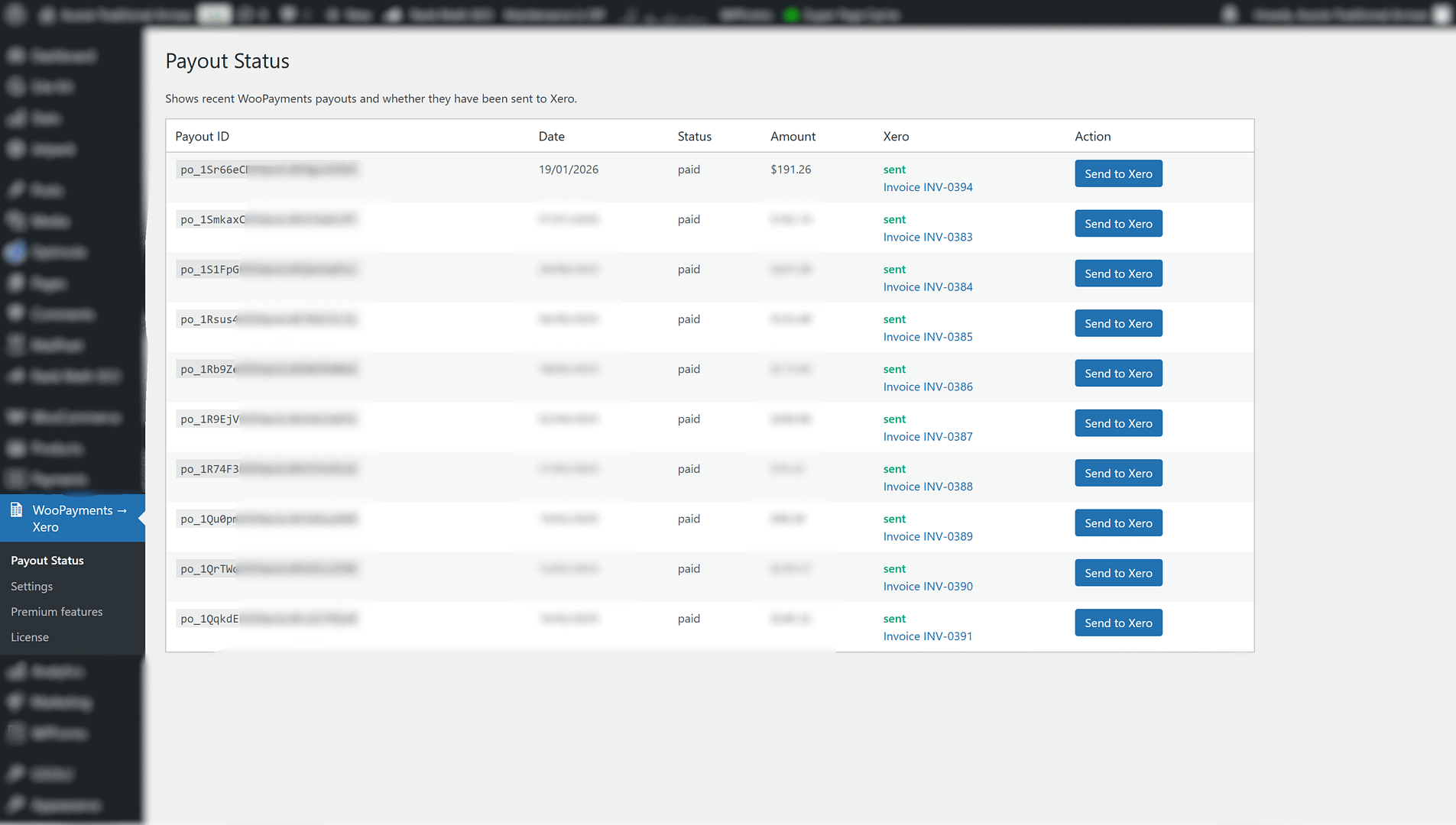
WooPayouts to Xero automatically creates a Xero invoice whenever a WooPayments payout is marked Paid, with clean, accountant-friendly detail—so you can reconcile faster and keep your books accurate.
Key features
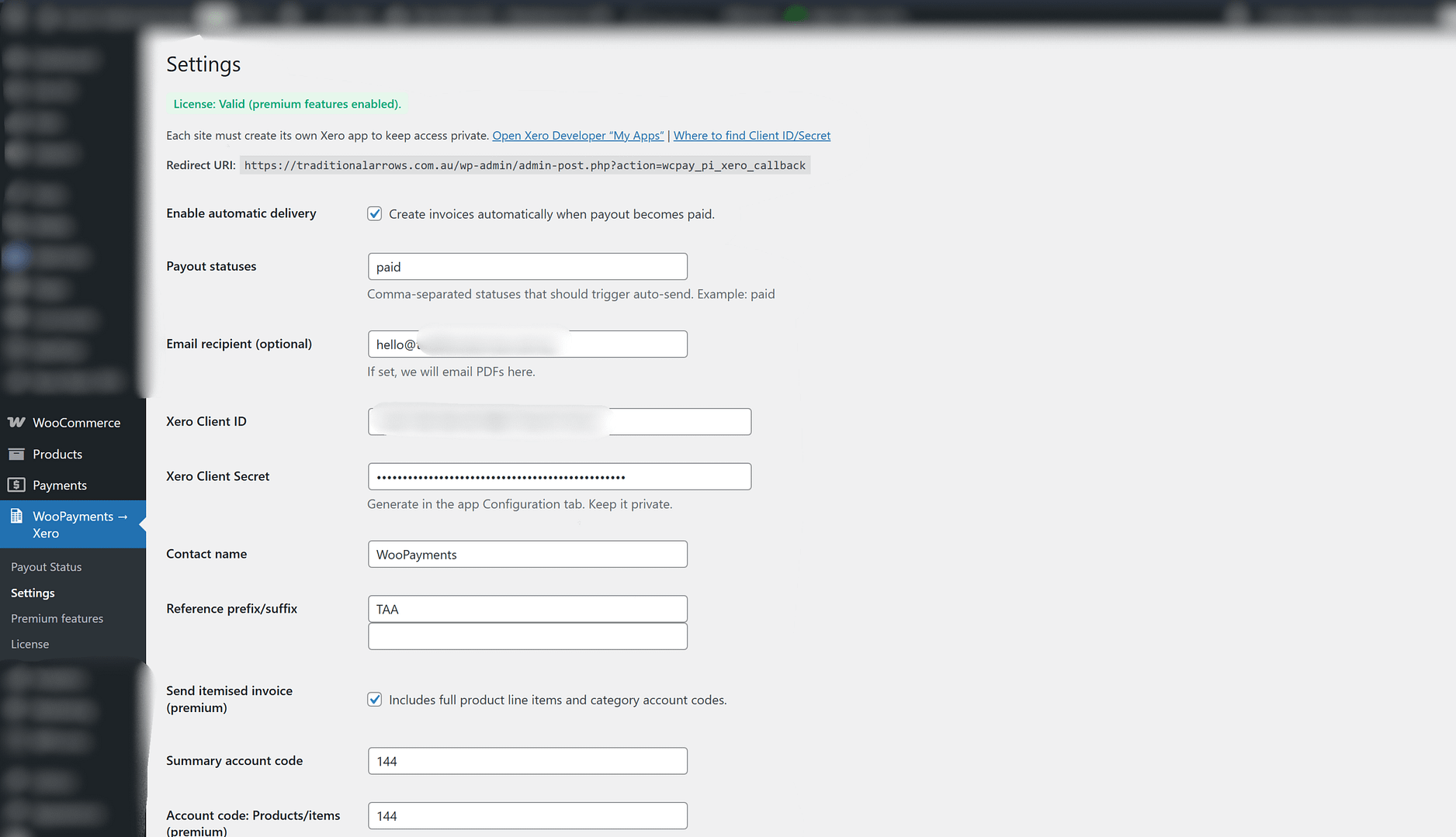
✅ Automatic Xero invoice creation when a payout is marked Paid (hands-off workflow)
✅ Full line-item exports per payout (includes every product sold across orders in that payout)
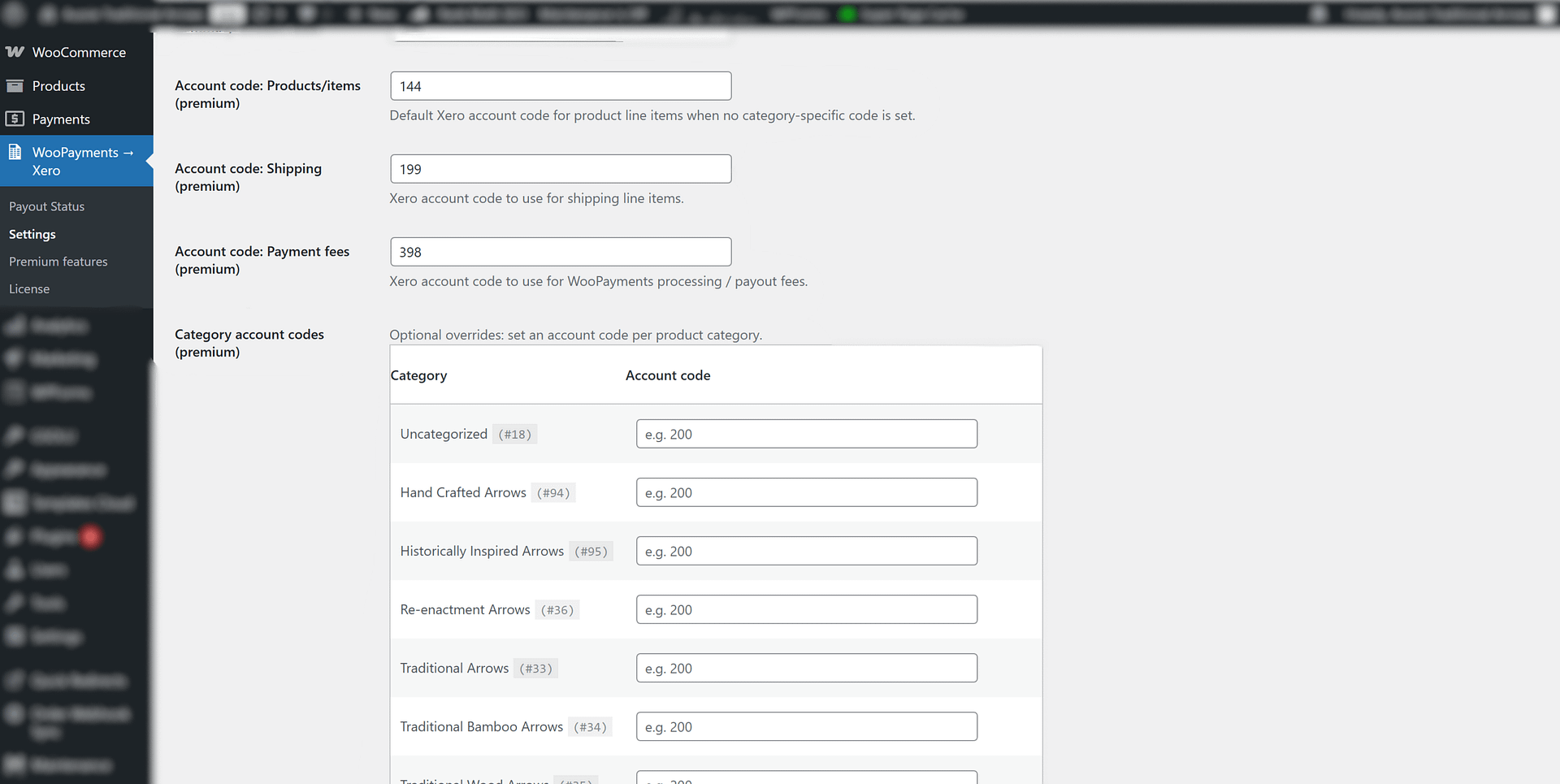
✅ Assign Xero account codes by WooCommerce category (map revenue exactly where it belongs)
✅ Separate shipping and WooPayments processing fees as their own line items (track expenses clearly)
✅ Refund handling for payouts and direct debits
✅ Net + Gross payout support (see exactly where money went)
✅ Create invoices as “Pending Payment” for easier reconciliation
✅ PDF payout summary emailed to an address of your choice
How it works
-
You continue selling as normal in WooCommerce using WooPayments
-
When WooPayments marks a payout as Paid, the plugin triggers automatically
-
A matching invoice is created in Xero, with configurable line items, codes, and fee handling
-
Reconcile your payout deposits with confidence
Who it’s for
-
WooCommerce stores using WooPayments
-
Businesses wanting fewer bookkeeping hours (or lower bookkeeping costs)
-
Anyone who wants accurate payout-based accounting in Xero, including fees and refunds
Get started
Install the plugin, connect your Xero settings, map your categories to account codes, and let payouts sync automatically.
Save time. Reduce manual errors. Reconcile WooPayments payouts in Xero the clean way.
Reviews
There are no reviews yet.